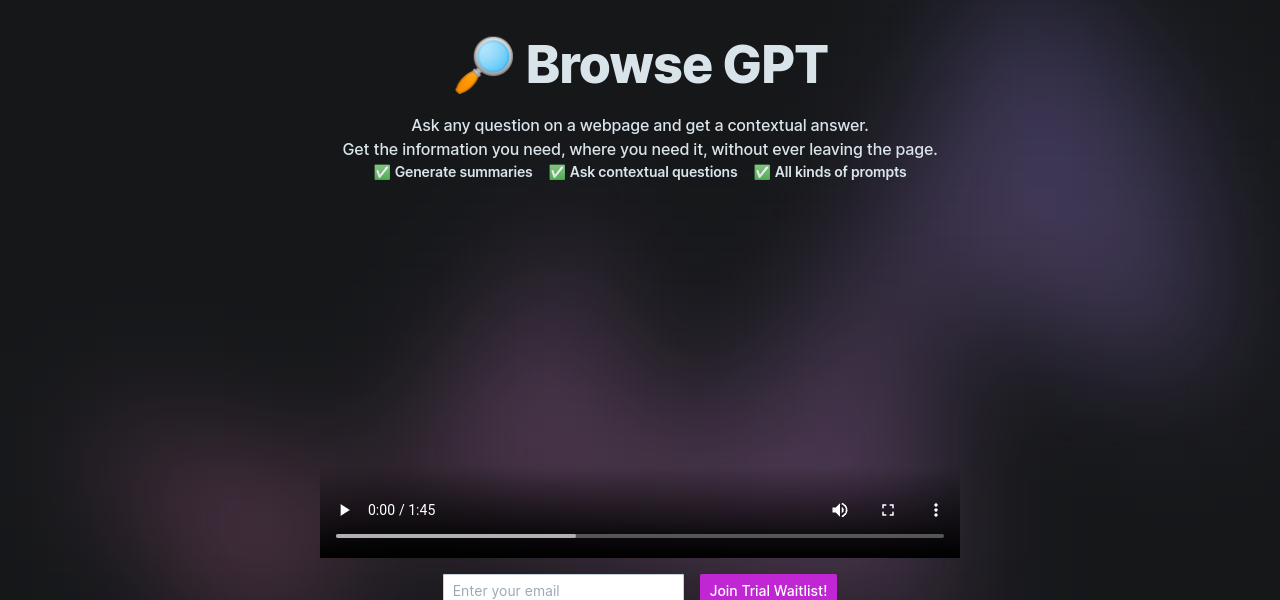
Introducing Browse GPT, the game-changing AI tool that will revolutionize your browsing experience. Say goodbye to endless tabs and wasted time, because with Browse GPT, all the information you need is right at your fingertips, directly within the webpage you’re viewing.
So, what exactly does Browse GPT do. Let’s dive into its core functionality. First up, we have contextual information. With Browse GPT, you can receive answers, summaries, and prompts that are directly related to the content of the webpage you’re on. No more scouring the internet for information – it’s all right there, tailored to your needs.
But it doesn’t stop there. Browse GPT also offers on-page AI assistance. Need to ask a question or seek information. No worries. With this tool, you can do it without leaving the webpage. Talk about productivity and efficiency.
Now, I know what you might be thinking – “Do I need to be a computer genius to use this.” Fear not. All you need is to enable JavaScript in your browser settings, and you’ll be ready to harness the full power of Browse GPT. It’s that simple.
And let’s not forget about the handy feature of efficient information gathering. No more hopping between different windows or tabs. With Browse GPT, obtaining quick and relevant information is a breeze. Time is money, and this tool is here to save you both.
One of the most impressive aspects of Browse GPT is its ability to deliver tailored responses. Every AI-generated response you receive is contextual and specifically related to the content you’re viewing. It’s like having your very own personal assistant, right there in your browser.
Now, I know you’re eager to get your hands on this amazing tool, and I’ve got good news for you. There’s an early bird license option available, allowing you to purchase a lifetime license at a discounted price. It’s a steal.
But wait, there’s more. The activation process is seamless. Once you’ve made your purchase, just look out for an email with instructions on how to activate Browse GPT. It’s as easy as 1-2-3.
So, let’s talk about use cases. With Browse GPT, you can gather information and answers within the context of the webpage you’re viewing. Imagine the possibilities. Increase your productivity, save time, and enhance your browsing experience with contextual summaries and prompts tailored to your interests.